
【MATLAB】信号与系统
本文所提供的程序均可在Matlab R2022b下测试运行,不同版本之间程序的运行情况可能会有所差异,请读者自行判断选择使用!
因作者水平有限,编写过程中难免出现疏漏,敬请各位读者指正!
第1章 连续时间信号的时域分析
在后续需要使用单位阶跃函数时,建议使用Matlab自带的heaviside()函数,在R2022b版本下使用书上所提供的Heaviside()函数有时会出现莫名其妙的报错!可能原因:后者的函数输出值类型是逻辑值(logical)
1
2
3
4
5
6
7
8
9
10
11
12
13
14
15
16
17
18
19
20
21
22
%mat101.m
%绘制单位阶跃信号
t = -5:0.01:5; %横坐标-5到5,量化值为0.01
y1 = Heaviside(t); subplot(1,4,1); %调用函数Heavisid,图形窗口四等分
plot(t,y1);axis([-5,5,-0.5,1.5]); % plot函数绘制连续曲线,定义坐标范围
xlabel('t');ylabel('$ u(t) $','Interpreter','latex');title('单位阶跃信号');
%绘制指数信号
t=0:0.01:10;A=1;a= -0.4;y2 =A*exp(a*t);
subplot(1,4,2); plot(t,y2);axis([0,10,-0.5,1.5]);
xlabel('t');ylabel('$ e^{-0.4t} $','Interpreter','latex');title('指数信号');
%绘制正弦信号
A =5;w=0.5*pi;t = 0:0.01:16;y3 = A*sin(w*t);
subplot(1,4,3);plot(t,y3);title('正弦信号');
xlabel('t');ylabel('$ 5\sin \left( \omega t \right) $','Interpreter','latex');axis([0,16,-5,5]);line([0,16],[0,0]); %画横坐标
%绘制抽样信号
t=-15:0.01:15;t1 =t/pi;y4 = sinc(t1);
subplot(1,4,4);plot(t,y4);title('抽样信号');
xlabel('t');ylabel('$ sinc(t) $','Interpreter','latex');axis([-15,15,-0.3,1.1]);line([-15,15],[0,0]);1
2
3
4
5
6
7
8
9
10
11%mat102.m
syms t;
f1 = 0.5*t*(heaviside(t)-heaviside(t-4));
f2 = sin(4*pi*t);
f3 = f1 + f2;
f4 = f1 * f2;
subplot(1,4,1),ezplot(f1,[-1 6]);title('$ f_1(t) = 0.5t[u(t)-u(t-4)] $','Interpreter','latex');axis([-1,6,-0.2,2.2]);
subplot(1,4,2),ezplot(f2);title('$ f_2(t) = sin(4 \pi t) $','Interpreter','latex');
subplot(1,4,3),ezplot(f3);title('$ f_1(t) + f_2(t) $','Interpreter','latex');
subplot(1,4,4),ezplot(f4);title('$ f_1(t)*f_2(t) $','Interpreter','latex');axis([-6,6,-2,2]);1
2
3
4
5
6
7
8
9
10
11
12
13%mat103.m
syms t;
f = heaviside(t+1)-t*heaviside(t)+(t-1)*heaviside(t-1);
f1 = 2*subs(f,t,0.5*t);
subplot(1,4,1);ezplot(f1,[-3,3]);title('$ f_1(t) = 2f(0.5t) $','Interpreter','latex');
f2 = subs(f,t,3-2*t);
subplot(1,4,2);ezplot(f2,[0,3]);title('$ f_2(t) = f(-2t+3) $','Interpreter','latex');
f3 = diff(f);
subplot(1,4,3);ezplot(f3,[-2,2]);
line([-1,-1],[0,1]);axis([-2,2,-1.5,1.5]);title('$ f_3(t)=\frac{df\left( t \right)}{dt} $','Interpreter','latex');
f4 = int(f);
subplot(1,4,4);ezplot(f1,[-2,3]);title('$ f_4(t)=\int_{-\infty}^t{f(\tau )d\tau} $','Interpreter','latex');
函数说明:subs(s,old,new)函数主要用来完成变量替换的工作,其中参数s代表需要替换变量的表达式,old代表旧的变量,new代表新的变量。若需要更详细的函数说明请参见Mathworks官网(提示:点击本段文字开头的超链接即可跳转~~)。
1.6-1 用向量表示法绘制时域波形
1 | %e101.m |
第2章 连续时间系统的时域分析
例2.7-1
1 | %mat201.m |
函数说明:
gtext(str): 在您使用鼠标选择的位置插入文本 str。当您将鼠标指针悬停在图窗窗口上时,指针变为十字准线。gtext 将等待您选择位置。将鼠标指针移至所需位置并点击图窗或按任意键(Enter 键除外)。
例2.7-2
1 | %mat202.m |
函数说明:
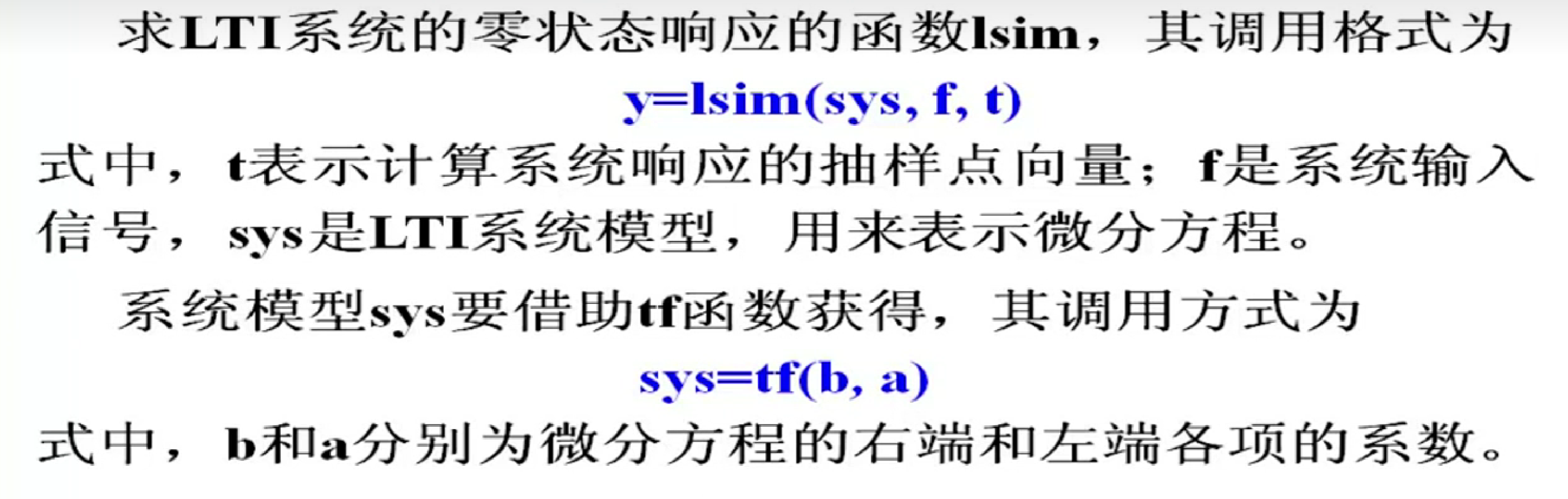
impulse函数可以求得系统的单位冲激响应,参数为sys和t,其中sys为系统对应的微分方程,t为持续时间。
step函数可以求得系统的单位阶跃响应,其用法与impulse函数类似。
例2.7-3 本题需要绘制 三者的时域波形。
参考程序如下:
1 | %mat203.m |
第4章 连续时间信号的频域分析
例4.7-2 绘制抽样信号$ f_1(t) = Sa(t) f_2(t) = \pi [u(t+1)-u(t-1)] Fourier$变化的对偶性
1 | %mat402 |